

Configure your SendGrid Vault Connection
Learn how to configure a Vault Connection for your SendGrid Flow Actions at SendGrid Vault Connection.Send email
Send an email using SendGrid as the email provider.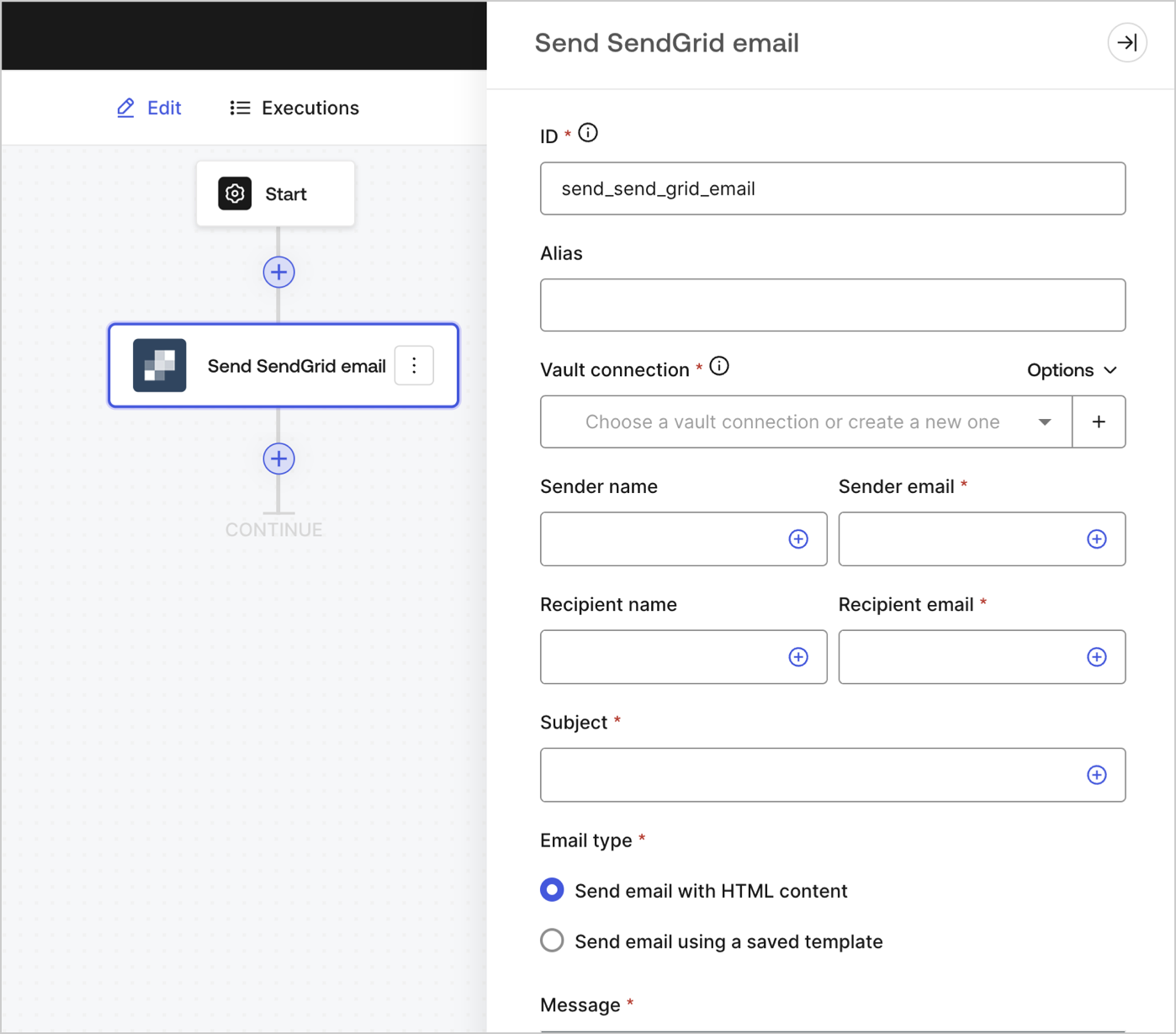
Input settings
| Parameter | Description |
|---|---|
| Sender name | The sender’s name |
| Sender email (required) | The sender’s email |
| Recipient name | The recipient’s name |
| Recipient email (required) | The recipient’s email |
| Subject (required) | The email subject |
| Email type (required) | Send email with HTML content or using a saved template (optional) |
| Message (required) | Email message in HTML format or a template (optional). |
| Template ID (optional) | If using a template, its ID can be found at SendGrid dashboard . |
| Custom variables (optional) | Add custom variables to be inserted in your template. |