

Configure your WhatsApp Vault Connection
Learn how to configure a Vault Connection for your WhatsApp Flow Actions at WhatsApp Vault Connection.Send message
Sends a message.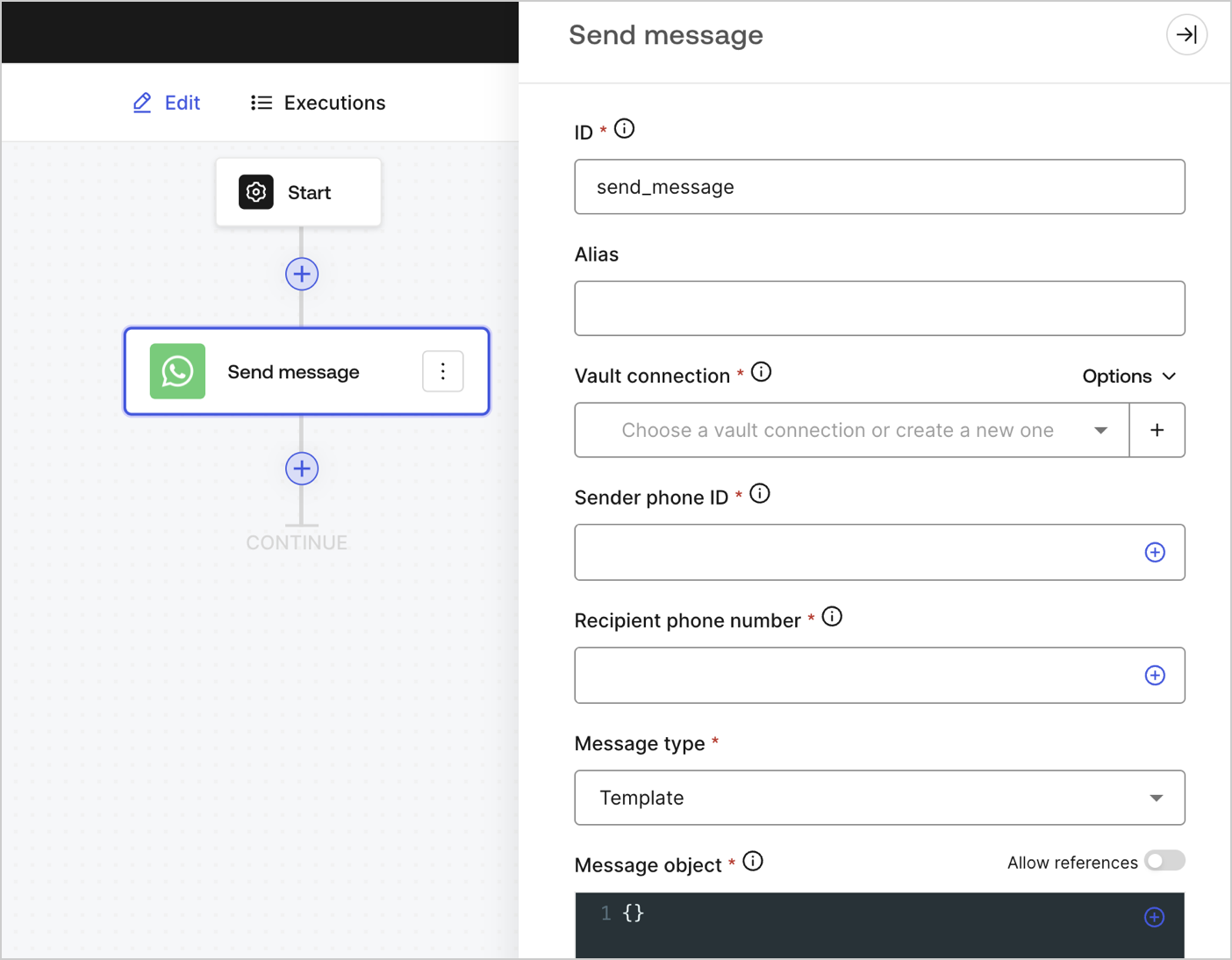
Input settings
| Parameter | Description |
|---|---|
| Sender phone ID (required) | The sender phone ID can be found in the Facebook Business Manager WhatsAPP settings. Note that it is not a phone number. |
| Recipient phone number (required) | The recipients’ phone number in E.164 format. |
| Message type (required) | Select from the dropdown menu the message type. They can be:
|
| Message object (required) | The content of the message object will differ based on the selected message type. To learn more, read Messages. |